


Claims is an add-on module. Employees submit claims from the app and supervisors approve them. Under Claims, you watch the queue and decide how approved claims are paid.
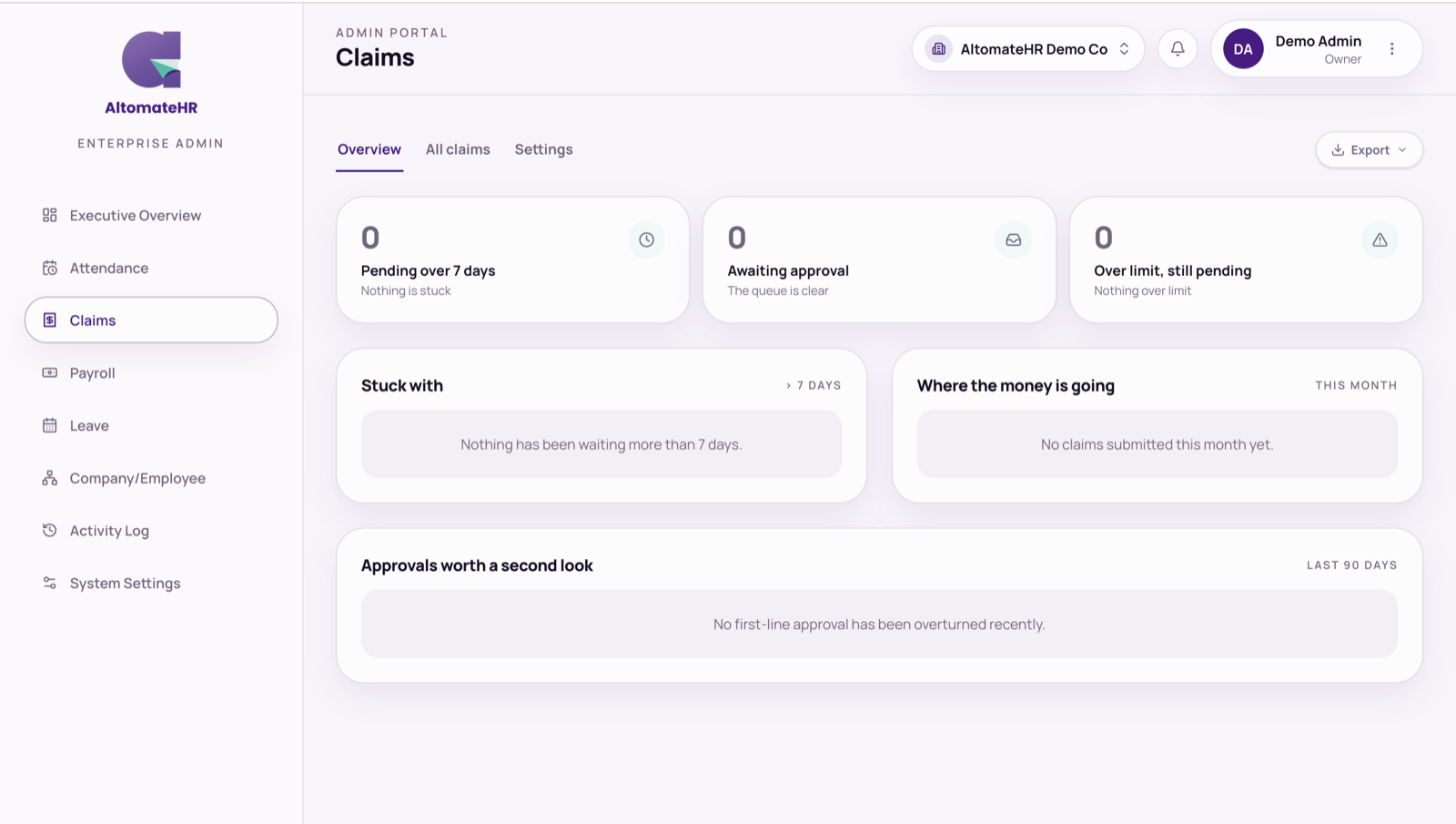
Overview
What’s stuck: claims pending more than 7 days, the queue awaiting approval, claims over their spend limit, who each late claim is waiting on, where the money is going this month, and approvals later overturned. Every number opens the matching claims.
All claims
Filter by project, employee, own money or company money, and dates. The last column shows where each claim stands: who it’s waiting with, In Xero, In the payroll run, or a button to retry a Xero push that failed. Export the list as CSV, XLSX or PDF.
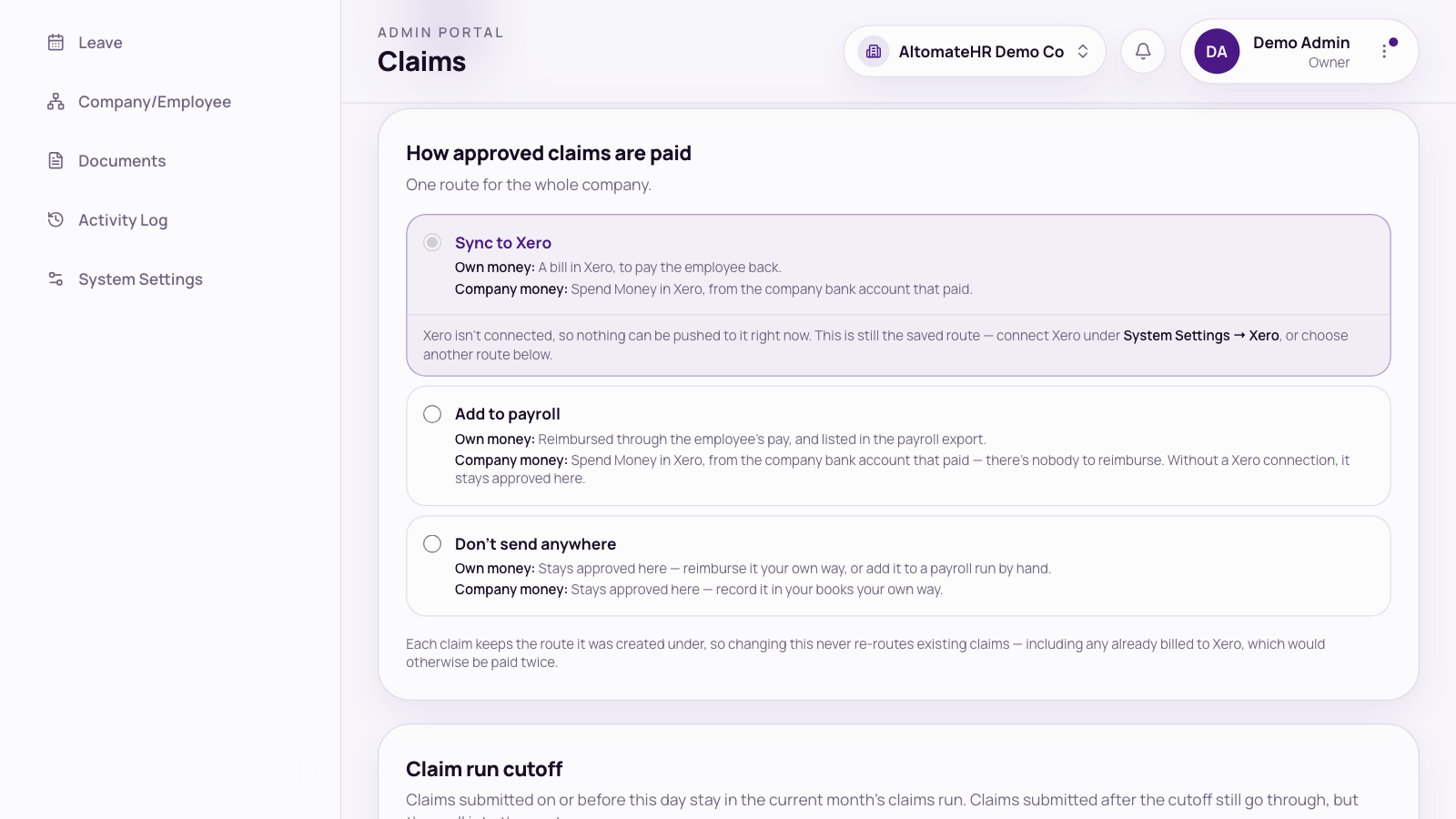
Settings: how approved claims are paid
Choose one route for the whole company:
- Sync to Xero: own-money claims become a bill in Xero to pay the employee back (as Awaiting payment or Draft). Company-money claims become Spend Money from the bank account that paid. Receipts and supporting documents are attached.
- Add to payroll: own-money claims are reimbursed through the employee’s pay. Company-money claims go to Xero as Spend Money; without a Xero connection, they stay approved in AltomateHR.
- Don’t send anywhere: claims stay approved in AltomateHR and you handle them your own way. You can still add an own-money claim to a pay run by hand.
Also set the Default currency and the Claim run cutoff, the day of the month claims are cut off.
Related help
- Which expense accounts staff can claim against, and spend limits: How to Set Up Your Company
- Connecting Xero: How to Connect AltomateHR to Xero
- How employees submit claims: How to Submit and Track Expense Claims


