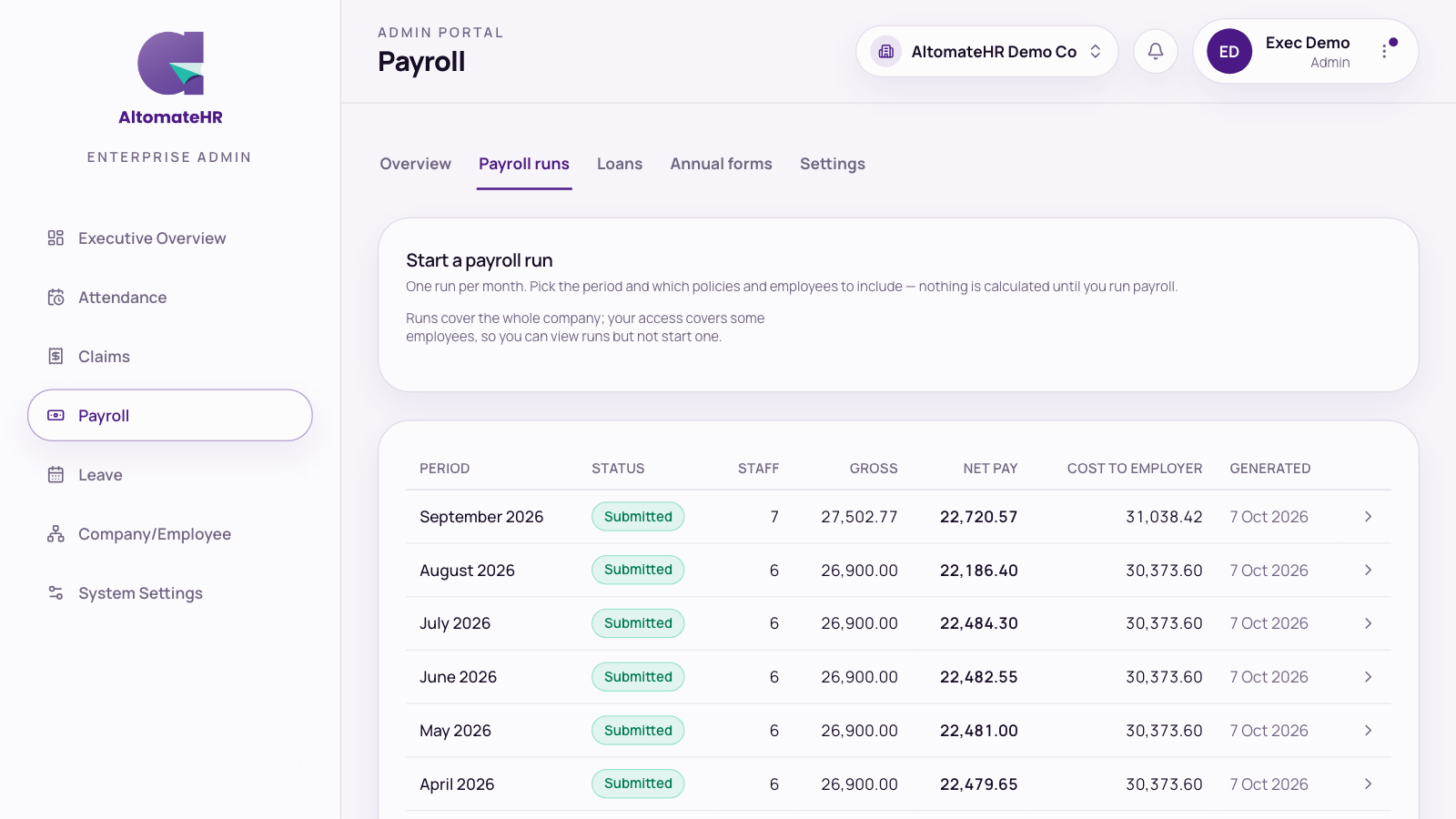

Only owners can manage admins. Go to System Settings, then Admins. Owners are listed as Owner · full access; an owner’s access can’t be restricted.
Add an admin
- Open the Add admin tab.
- Enter their name and email, and a temporary password if they’re new to AltomateHR.
- Press Add admin. Manage access opens straight away so you can set their limits.
Set limits straight away: A new admin starts with full access until you change it.
Choose what an admin can do
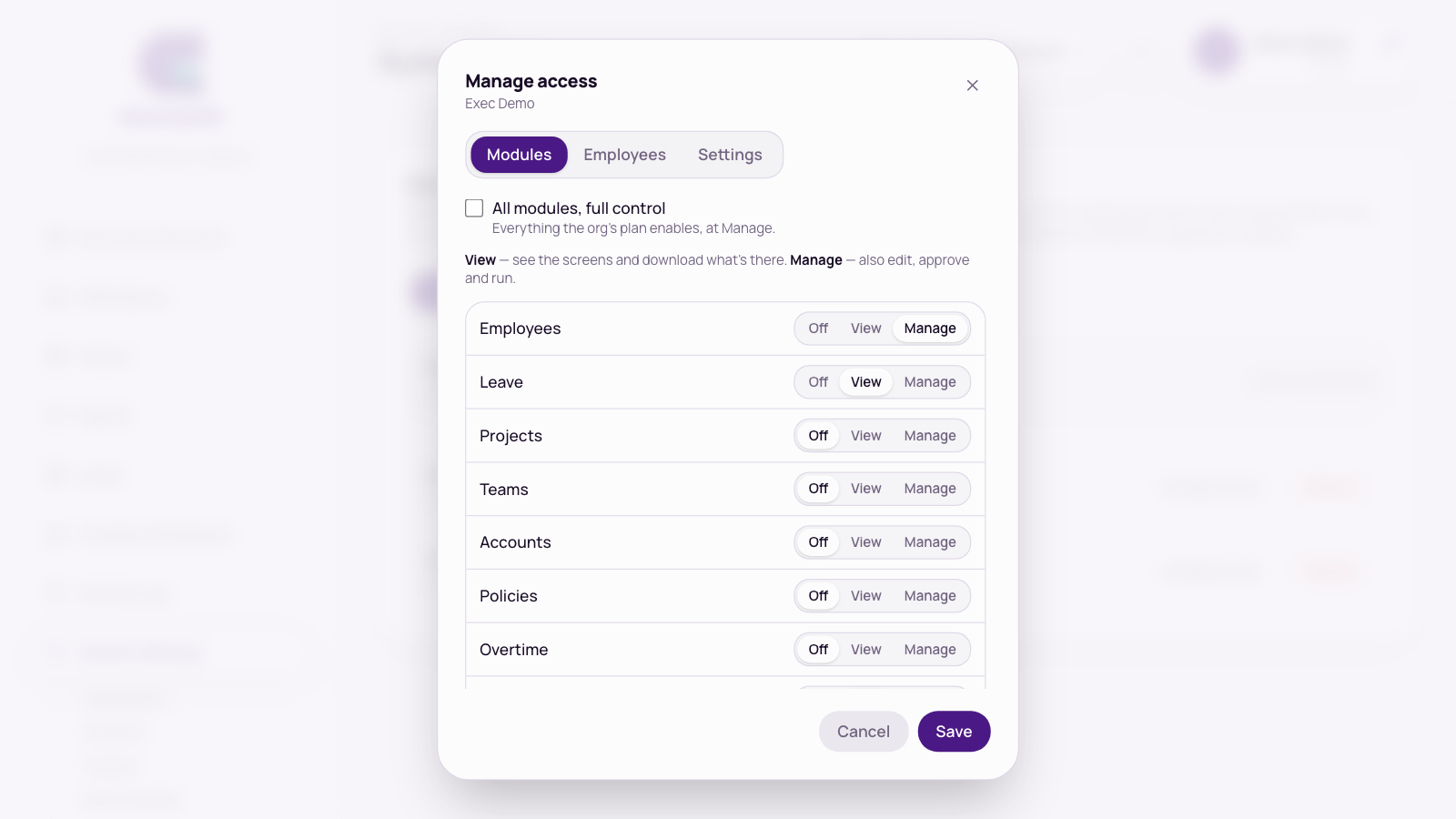
Press Manage access on the admin’s row. The dialog has three tabs. Press Save when you’re done.
Modules
Tick All modules, full control, or set each module to Off, View or Manage:
- View: they can see the screens and download what’s there.
- Manage: they can also edit, approve and run.
- Off: the module disappears from their sidebar.
The modules are Employees, Leave, Projects, Teams, Accounts, Policies, Overtime, Claims, Attendance, Payroll, Documents and Activity log.
Employees
Choose All employees, or Only employees on these policies and tick the policies. Everyone else is hidden from that admin in employees, payroll, claims, leave and attendance.
Payroll covers the whole company, so an admin limited to some employees can view payroll runs (and only their own people’s payslips) but can’t run payroll or download company-wide files.
Settings
Can change company settings covers Organization, Work Schedule, Payroll settings, company and statutory details, portal logins and the Xero connection. Turn it off to let someone run payroll, approve and edit employees without changing how the company is set up. Accounts, Projects and Policies follow their own module level, not this setting.
Remove an admin
Press Remove on their row and confirm. They stop being an admin straight away. Their login isn’t deleted, and you can add them again later.
What a limited admin sees
- Without Can change company settings, Organization, Work Schedule and Payroll settings show a View only note and the forms are greyed out.
- With view-only payroll access, or access to only some employees, Payroll runs shows a short message instead of Create draft.
- Add employee needs Manage on Employees. Import also needs All employees.