
AltomateHR is where you set up your company, look after your employees and run payroll. It has two sides in one app:
- The admin portal, for owners and admins. This is where the company is set up and payroll is run.
- The employee app, for employees and supervisors. This is where staff clock in, submit claims, apply for leave, and where supervisors approve their team’s requests. See Getting Started with the AltomateHR Employee App.
What AltomateHR covers
- Payroll (always on): monthly pay runs with PCB, EPF, SOCSO, EIS, SKBBK and HRD Corp worked out line by line, then approved and downloaded as the files KWSP, PERKESO, LHDN and your bank ask for.
- Leave (always on): leave types, entitlements, carry-forward and balances. Approved unpaid leave flows into payroll.
- Claims (optional): expense and mileage claims, spend limits, and paying claims out through Xero or through payroll.
- Attendance (optional): clock-in from a phone with a location check, shifts, breaks, overtime and a daily roll call.
Claims and Attendance are add-on modules. If your company doesn’t have one, its page says your plan doesn’t include it.
Admins oversee, supervisors approve: Claims, leave, attendance and overtime are approved by the supervisors you set up in Company Structure, from their own queues in the employee app. The admin portal shows where every request is and who it’s waiting on. See How to Set Up Company Structure and Approvals.
Sign in
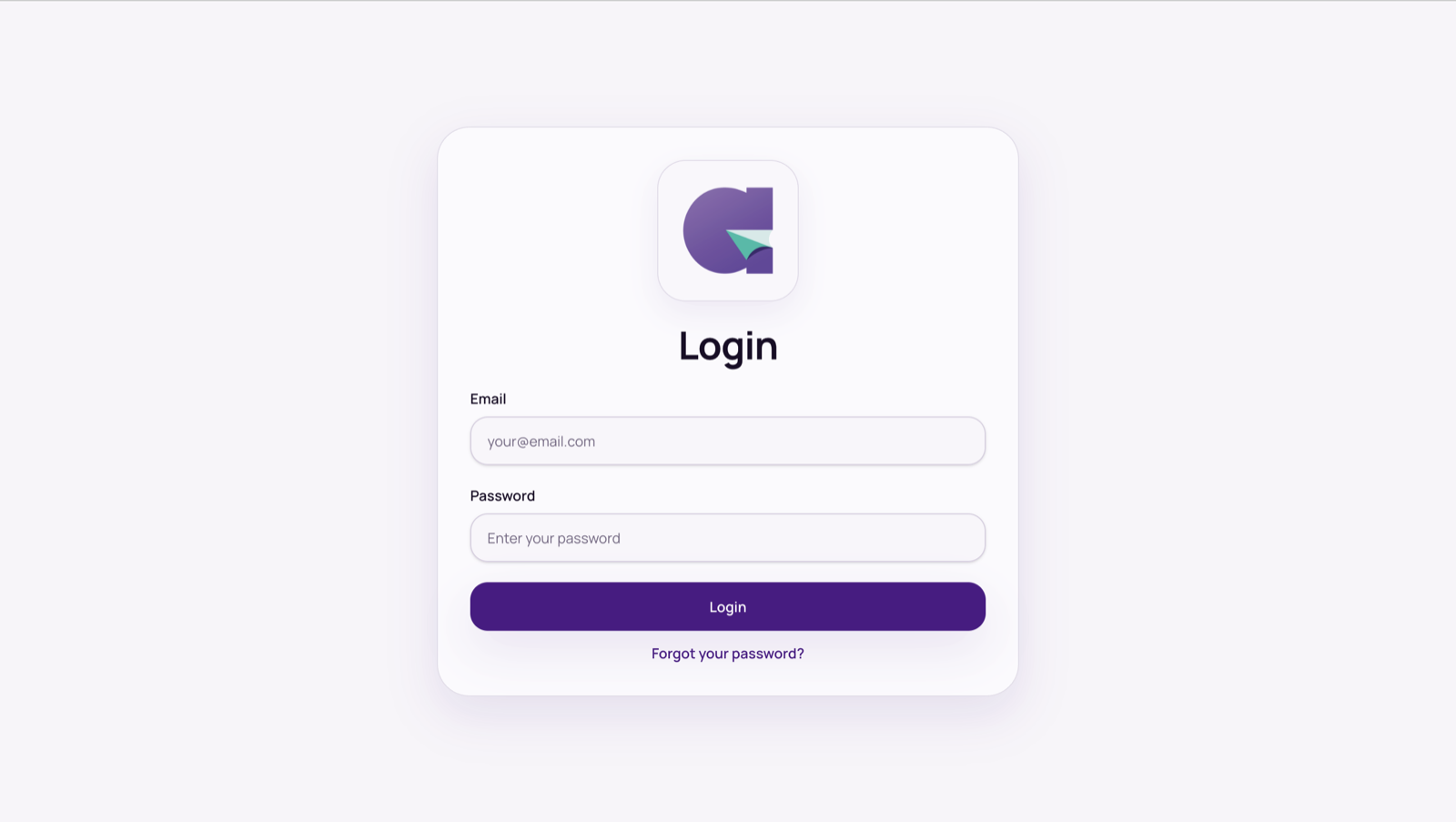
- Go to hr.altomate.io and sign in with your work email and password.
- Forgot your password? Select Forgot your password?, enter your work email, and enter the 6-digit code we email you with a new password of at least 8 characters.
- The first time you sign in, you’re asked to Enable notifications. Say yes if you want to hear about approvals and requests as they happen.
If you open AltomateHR from your Altomate account, you’re signed in automatically. Each link works once; if it has expired, go back and press the button again. Because your login is managed in Altomate, sign out from Altomate.
Find your way around
- The sidebar: Executive Overview, Attendance, Claims, Payroll, Leave, Company/Employee, Documents, Activity Log and System Settings.
- The company switcher: if you look after several companies, switch between them here. New company creates another company with you as its owner.
- The bell: requests and decisions as they happen, with Mark all read.
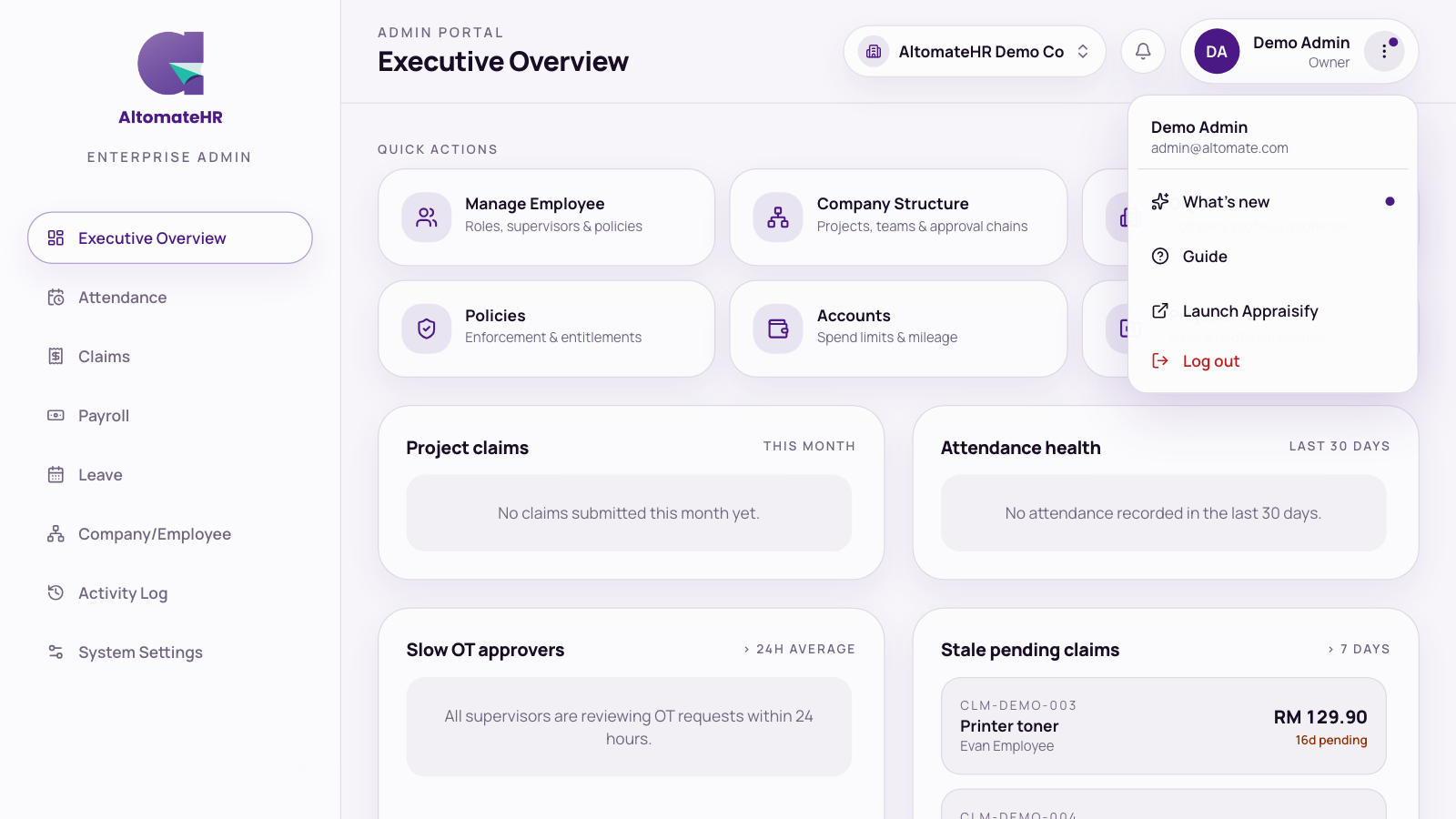
- The ⋮ menu: push notifications, What’s new (release notes), Guide, and Log out.
On a phone, the sidebar becomes a row of buttons across the top. When a new version is out, a bar says a new version is available: press Reload.
The Executive Overview
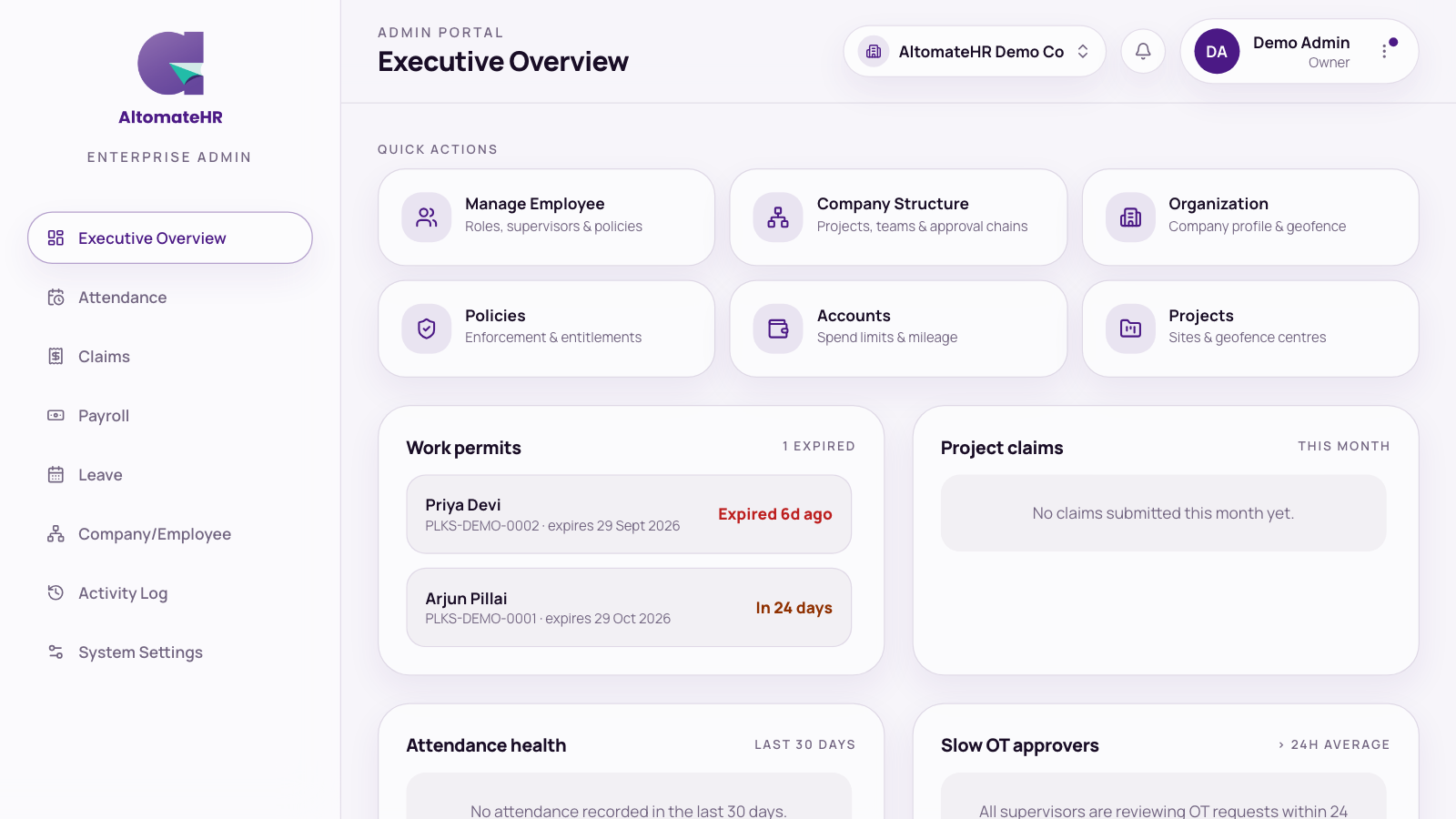
This is where you land. It’s built around what needs a decision:
- Quick actions to Manage Employee, Company Structure, Organization, Policies, Accounts and Projects.
- Work permits: foreign workers whose permit has expired or runs out within 60 days, soonest first. The card only appears when there’s something to renew.
- Project claims: this month’s claim spend per project.
- Attendance health: on-time rate per project over 30 days, with late, missing and on-leave counts.
- Slow OT approvers, Stale pending claims (waiting more than 7 days), Upcoming claim run and Most-overturned approvers.
Owners and admins
- Owners can do everything in the admin portal, add admins and choose what each admin sees, and set another person’s password.
- Admins can do everything the owner allows. A page an admin hasn’t been given doesn’t appear in their sidebar. Admins can set another person’s password, except an owner’s.
See How to Add Admins and Control What They Can See.
Use AltomateHR like an app
AltomateHR runs in your browser. On a phone, add it to your home screen (iPhone: Share, then Add to Home Screen; Android: ⋮ menu, then Install app) and it opens like an app. Turn on push notifications from the ⋮ menu to get alerts even when AltomateHR isn’t open.
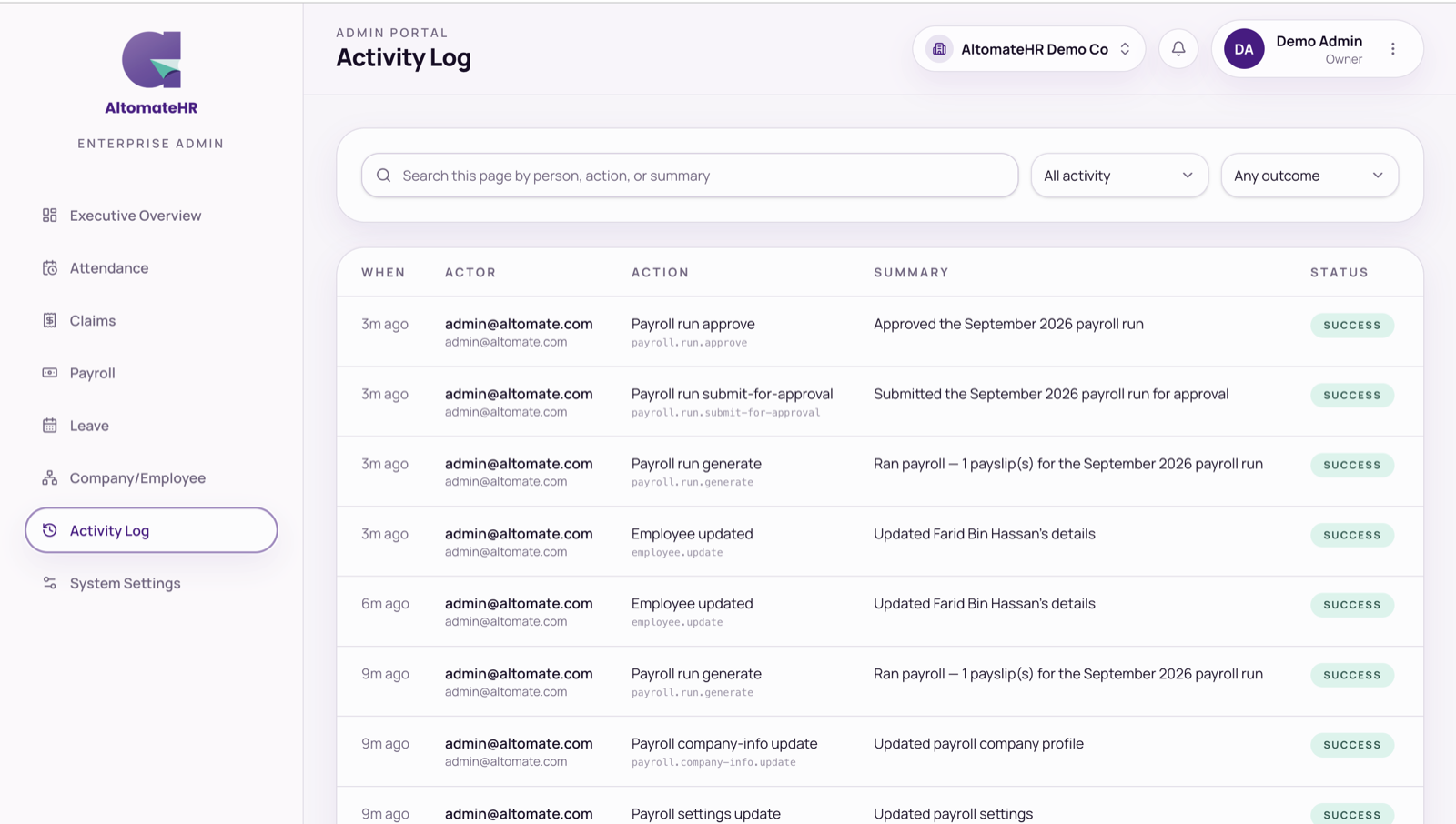
Activity Log
Activity Log shows who did what, and when: sign-ins, settings, people, teams, accounts, projects, Xero and cancelled leave. Open a row to see what changed, before and after.